Shopping Price Alerts
How to stop impulse buying online
Timers, “only 2 left,” and giant badges push Buy now. Frugal and personal-finance threads keep recommending the same free stack: decide the item, set a fair price, wait — optionally with an alert or extension — instead of checking out in the heat of the moment.
Impulse buys online usually follow urgency design: countdown clocks, low-stock warnings, one-click pay. Free habits that show up again and again: a 24-hour wait rule, write the item on a list, compare one other shop, track the URL for a drop, remove cards from one-click checkout if needed.
Price trackers and Chrome extensions help only if you track planned purchases. Using alerts as a shopping feed recreates impulse in another form. Communities are clear: short intentional lists beat thousands of passive watches.
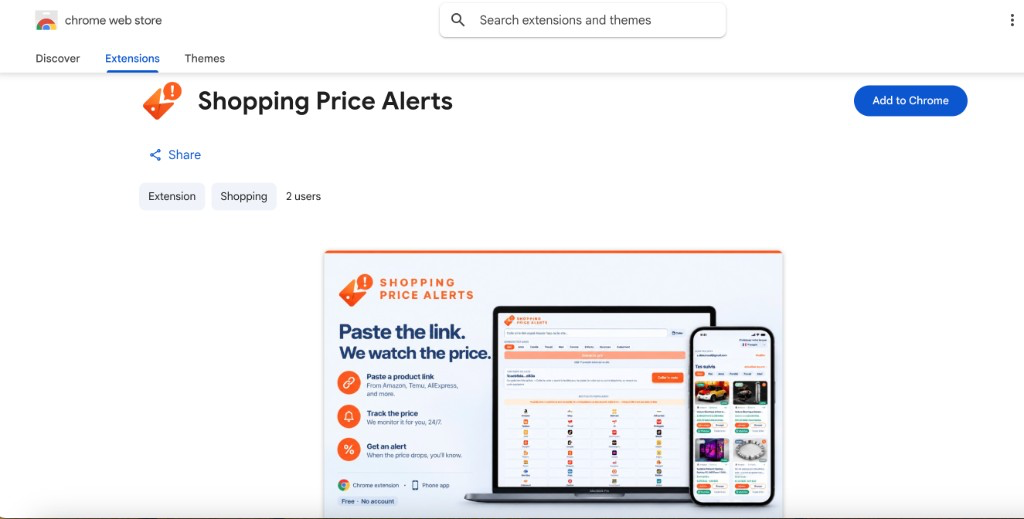
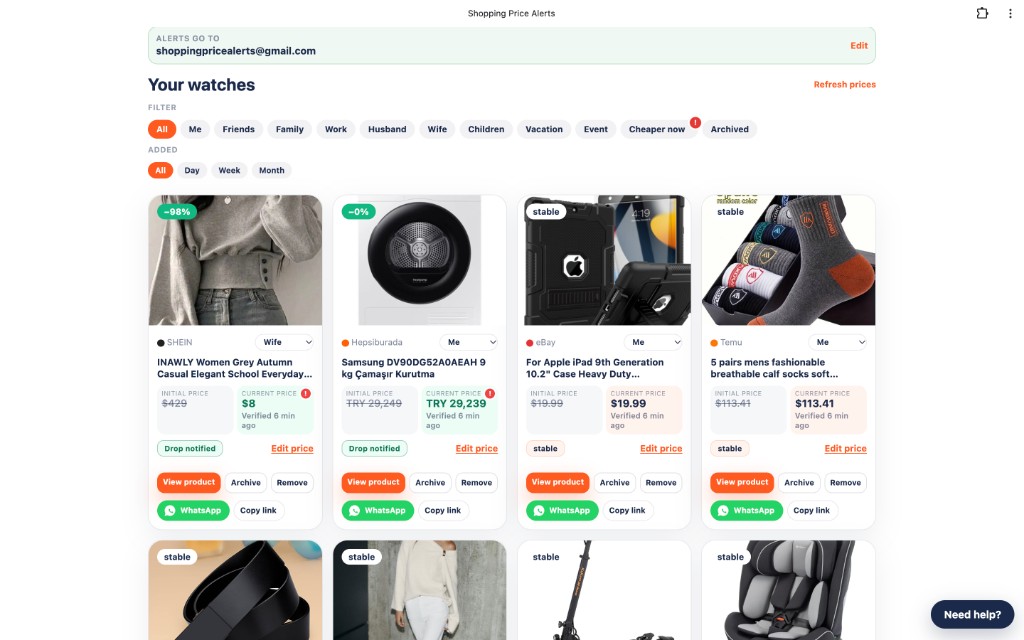
Other free tools: notes apps, bank spending alerts, merchant wishlists, deal forums for research (not for FOMO). Shopping Price Alerts is one more free option focused on the exact product URL with optional push/email and Chrome confirm-price flow.
When the alert arrives, open the merchant site and decide. No auto-buy. Archive after purchase so the list stays honest.
What shoppers often say
I buy less when I force a one-day wait.
Common frugal tip.
Badges make me click Buy before I think.
Impulse trigger.
An alert feels calmer than refreshing the page during a flash sale.
Tracker users.
The extension is fine; the timer on the page is the real enemy.
UX / impulse discussion.
Wait with a free alert
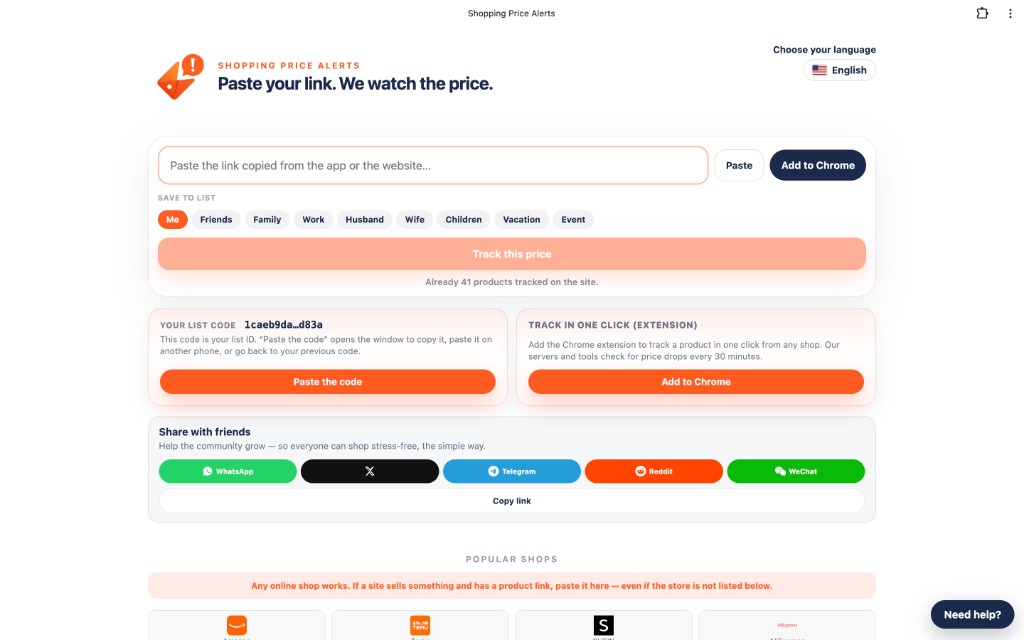
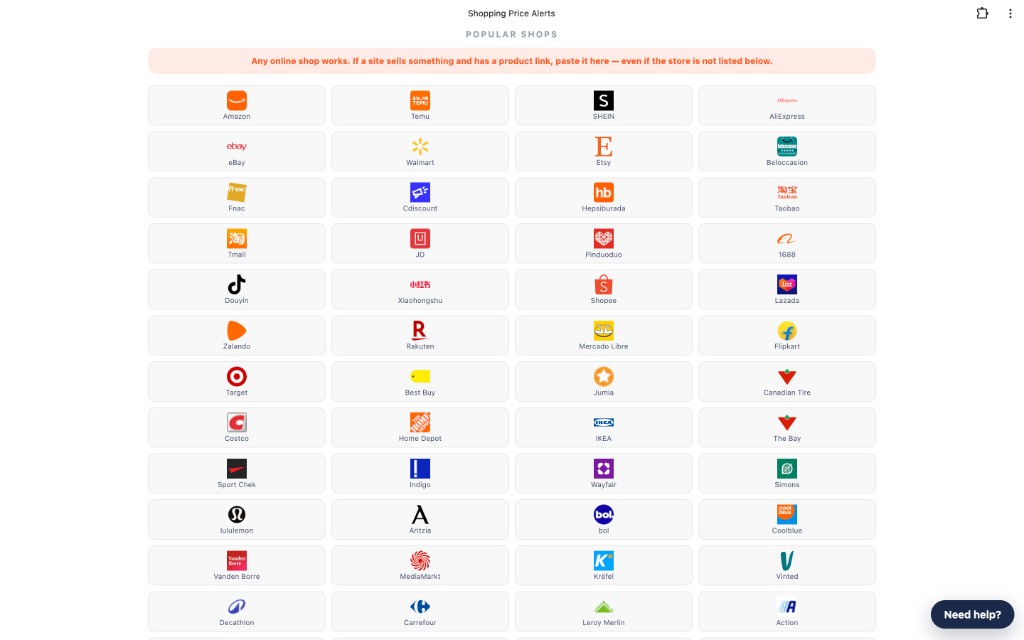
Combine a wait rule with notes or Shopping Price Alerts on the exact URL. Free, no account — one daily habit beside your budget. Solution screenshots below open the app.
How it works
Name the product you want
Size, color, seller — the final URL.
Set a price you accept
Write it down or set a target alert.
Track the link
Shopping Price Alerts, another free tracker, or a bookmark + calendar reminder.
Buy only after the wait or alert
Then archive.
FAQ
Will alerts make me buy more?
Only track items you already planned to buy.
Is this free?
Yes for Shopping Price Alerts — no account.
Does it auto-buy?
No.
Chrome extension?
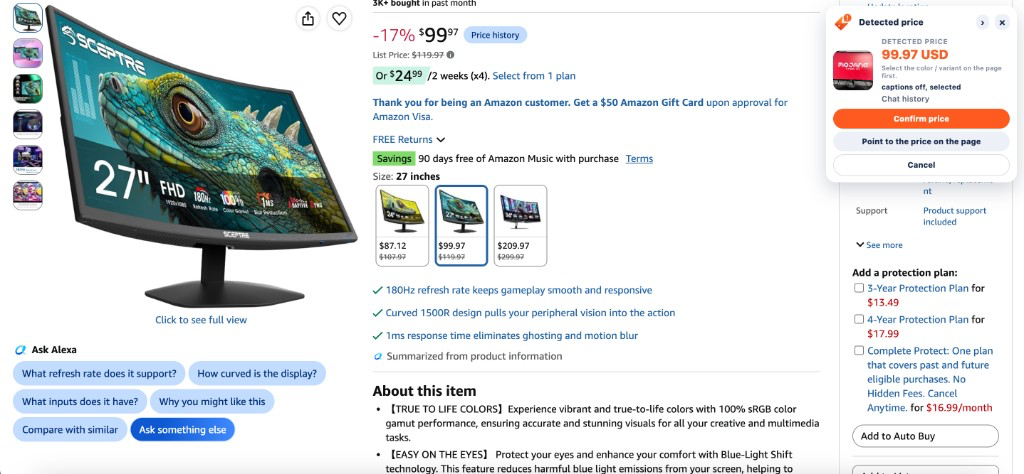
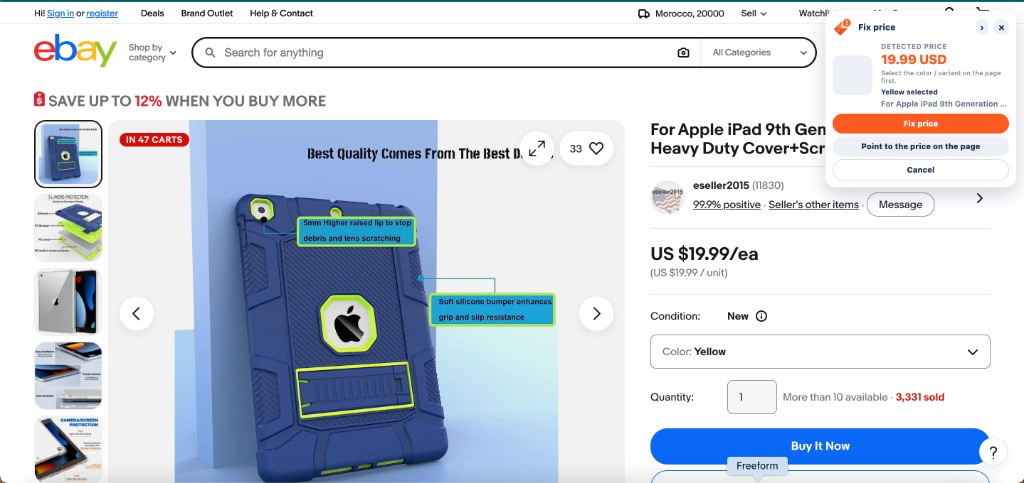
Optional — confirm the detected price from the product page, then wait for drops.
Your turn
What triggers your impulse buys online — badges, timers, ads, or one-click pay?
The solution, in pictures