Shopping Price Alerts
A free Keepa alternative for multi-shop price alerts
Keepa earned its reputation on Amazon charts and overlays. Deal threads also complain when free tiers shrink or features move behind a subscription. If you need a simple free list across Amazon and other shops — plus optional Chrome tracking — here is a practical path focused on drop alerts, not another monthly fee.

Keepa is still excellent when you live inside amazon.com all day: long charts, browser overlays, marketplace depth. The frustration many Frugal and extension users describe is different: free item caps (for example around a couple hundred watches), slower search unless you pay, and clothing, gifts, or non-Amazon stores that never fit an Amazon-only tool.
Use Keepa (or CamelCamelCamel) when you need deep Amazon-only history. Use a multi-shop URL tracker when your wishlist mixes Amazon with Walmart, Target, Best Buy, eBay, Noon, AliExpress, Shopee, or Lazada.
Chrome extensions come up constantly in r/chrome_extensions and deal chats: one-click add from the product page, shared list with phone, no shop login. Prefer tools that watch a public URL and send alerts — not ones that ask for your Amazon password.
Compared with deal feeds, a URL tracker follows the exact shirt or appliance you chose — not whatever the community posted today. Compared with store newsletters, you avoid inbox noise and still get notified when that SKU moves.
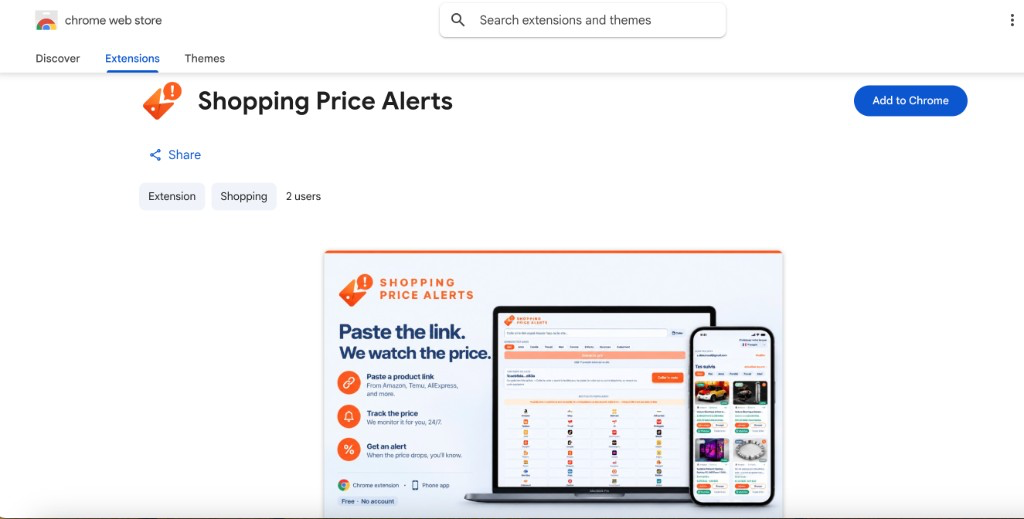
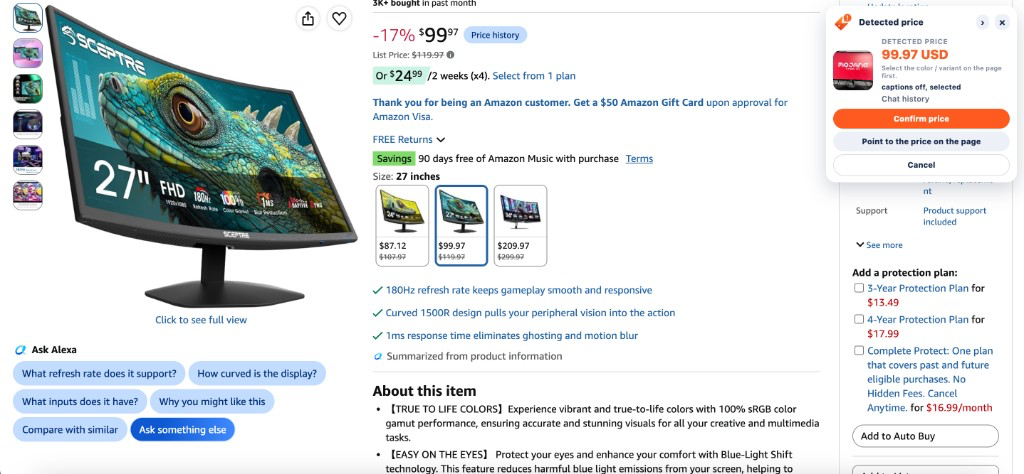
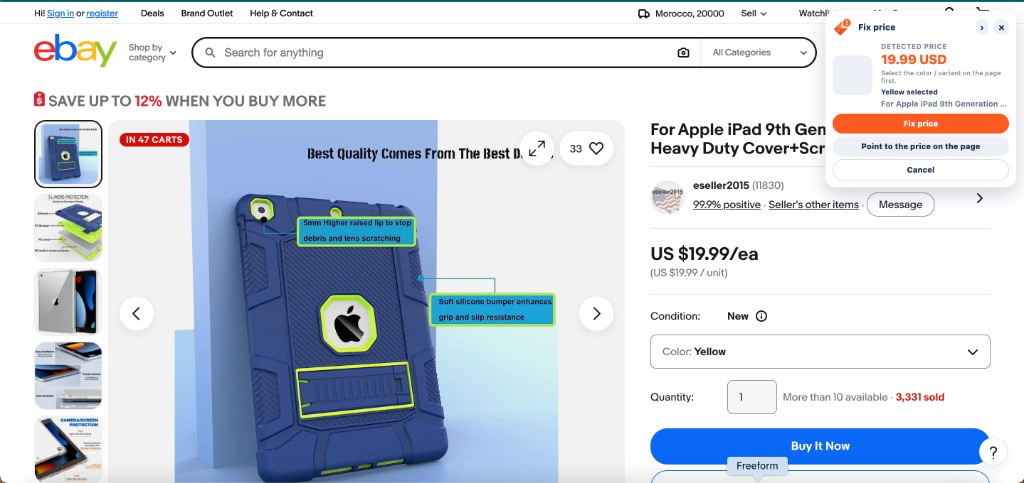
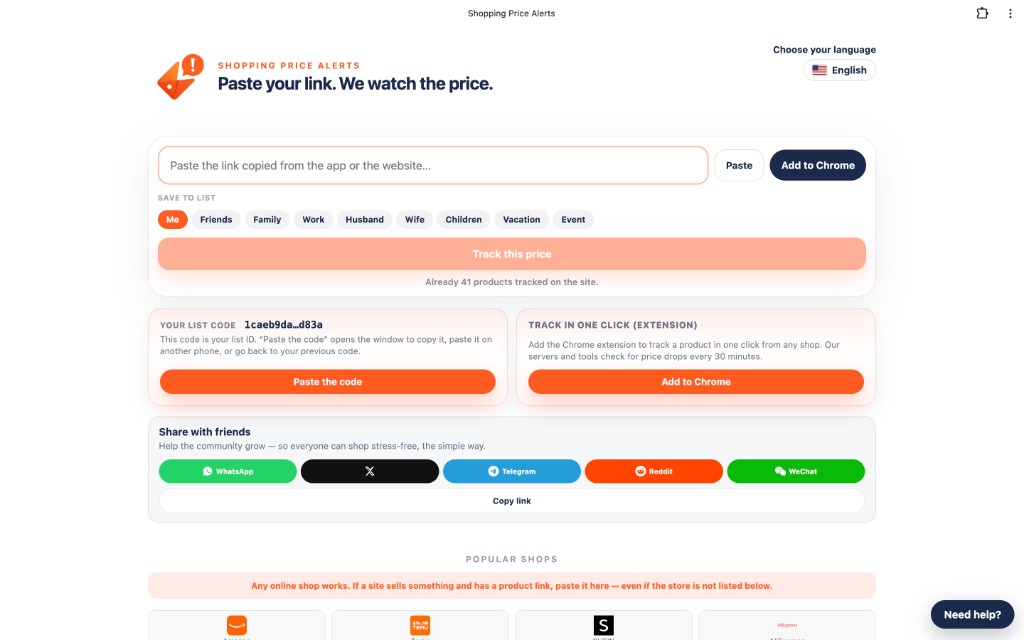
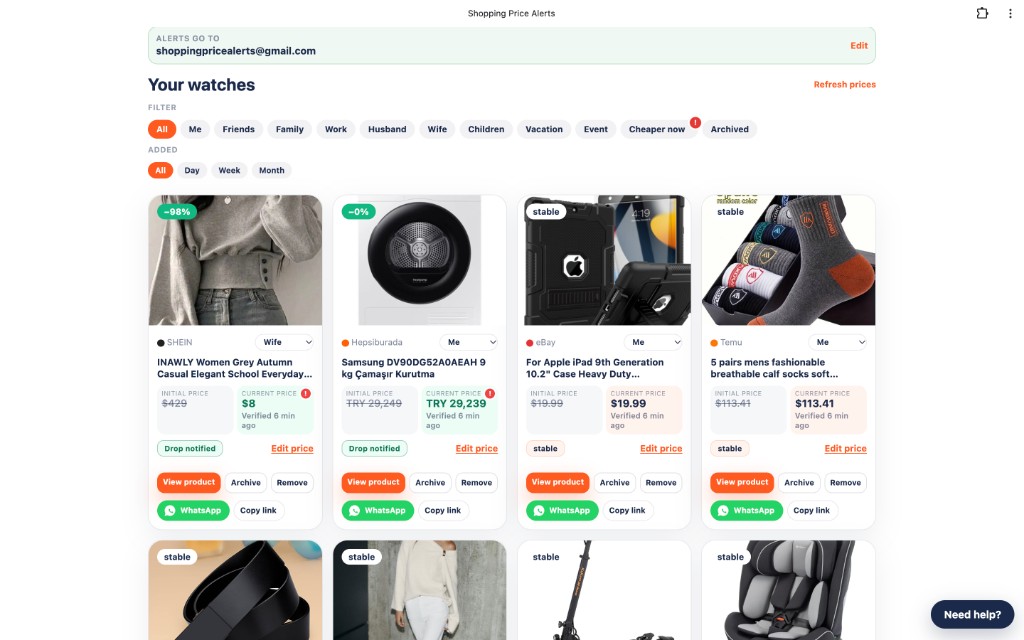
Shopping Price Alerts sits in the free multi-shop lane: paste link → confirm price → list code → optional email/push → Chrome extension with the same code. It does not clone Keepa’s deep Amazon graphs. Keep Keepa for research if you love it; add a free list for everything else.
Sharing tip from communities: send friends a guide or app link, not a fragile screenshot of a chart. Keep list codes private unless you paste them on your own second device.
What shoppers often say
I do not want to pay a monthly fee just to watch more than a couple hundred sale items.
Reaction to tight free tiers on Amazon-only trackers.
Keepa is great for Amazon charts, but my wishlist also has clothes and Asia storefronts.
Multi-shop shoppers.
I save more tracking thirty things I will buy than watching thousands passively.
Practical deal-community advice.
If the extension asks for my Amazon password, I close the tab.
Security habit from extension threads.
Free multi-shop list beside Keepa
Keep Amazon charts if you need them. For a free daily list across shops — with optional Chrome one-click and email/push — Shopping Price Alerts is one option among notes, bookmarks, and other trackers. No account, no auto-buy.
How it works
List what you actually plan to buy
Write 10–40 products worth waiting for — gifts, restocks, big-ticket — across any shop.
Paste each final product URL
Confirm the price in Shopping Price Alerts or your chosen free tracker. Optionally set a target.
Save your list code / install the extension
Sync phone and computer. Use one-click add from product pages when available.
Act on alerts, then archive
Buy on the merchant site. Archive so your free list stays focused.
FAQ
Is this a complete Keepa replacement?
No. Keepa is stronger for deep Amazon-only charts. This is a free multi-shop alternative for watches and drop alerts.
Is there a 200-item paid wall?
Shopping Price Alerts does not use Keepa’s subscription model. Track what you care about with a free list code.
Which shops work?
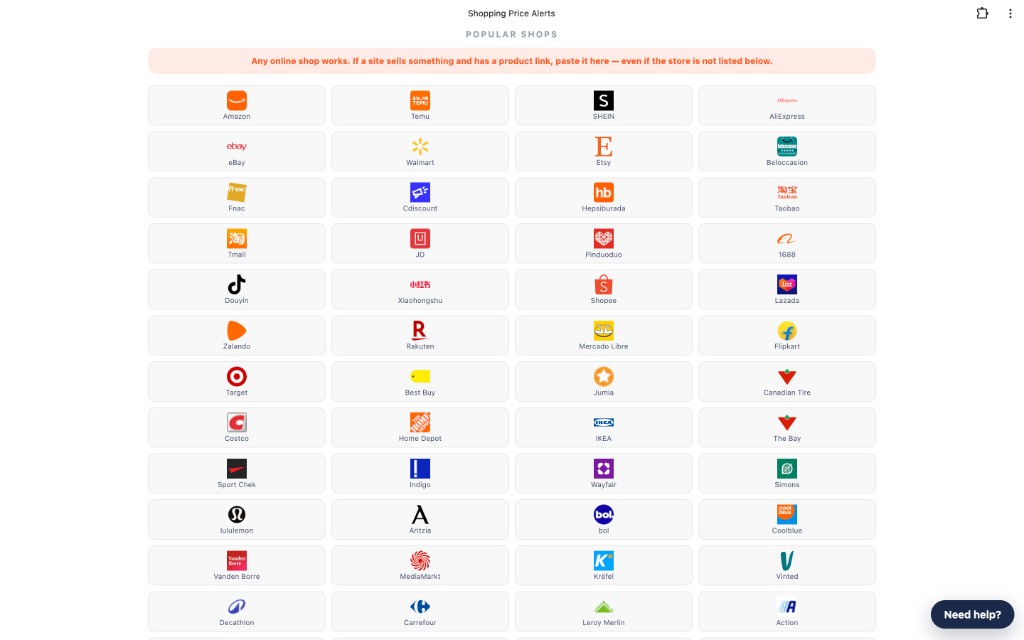
Any public product page URL, including Amazon, Walmart, Noon, AliExpress, and more.
Do I need an account?
No for SPA. Private list code on your devices.
Chrome extension?
Yes — optional one-click add while keeping the same list code as the website.
Auto-purchase?
No. Alert only.
Your turn
Did you leave Keepa (or another tracker) because of a free cap or subscription? What matters more — Amazon charts or a simple multi-shop list?
The solution, in pictures