Shopping Price Alerts
Online shopping price tricks to watch for
Checkout surprises — inflated “was” prices, shipping that appears late, coupons that expire — fill deal forums. Spot them early, then use free habits (compare, wait, track the URL) before you pay.
Common tricks: raised list prices before a “sale”; fees appearing only in the cart; time-limited coupons; different prices by seller or region (Amazon.sa vs Amazon.eg, Noon promotions); marketplace sellers that look like the main storefront.
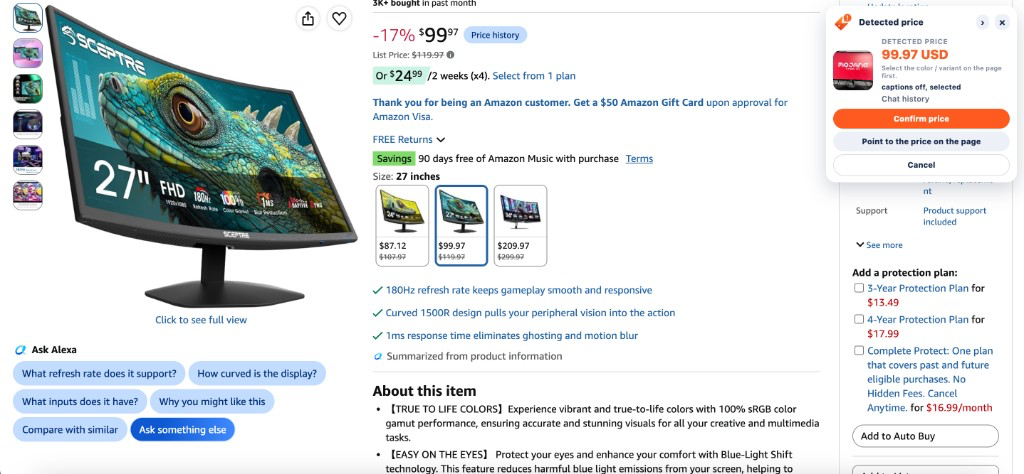
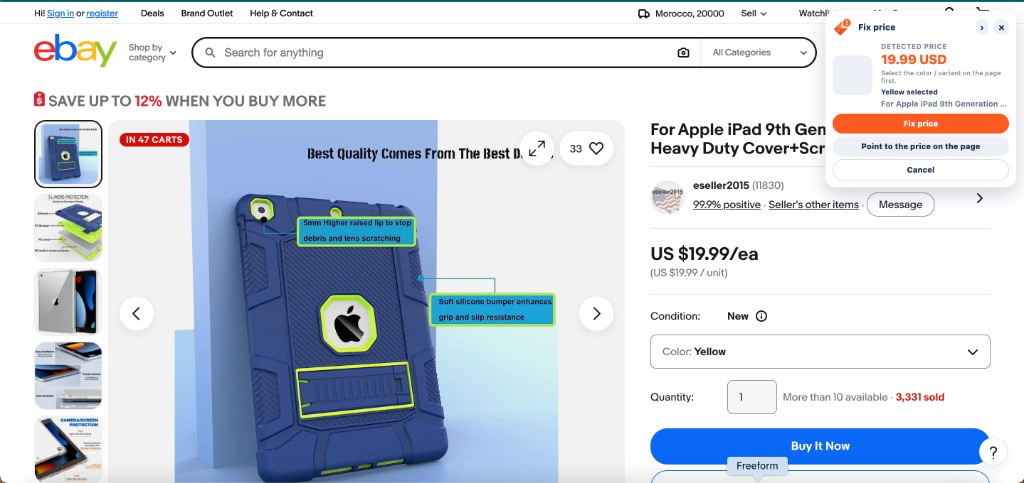
Free daily habits: screenshot or note the total, compare one other shop, wait 24 hours on non-urgent buys, track the product URL for a drop with a free tool or Chrome extension.
Extensions that only highlight “% off” without checking history can reinforce the trick. Prefer tools that store your starting price and alert on a real drop.
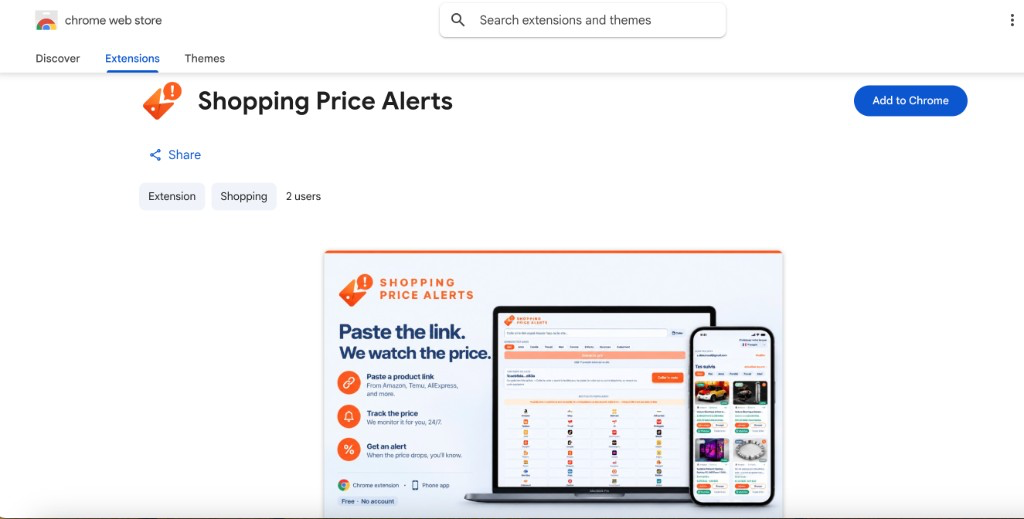
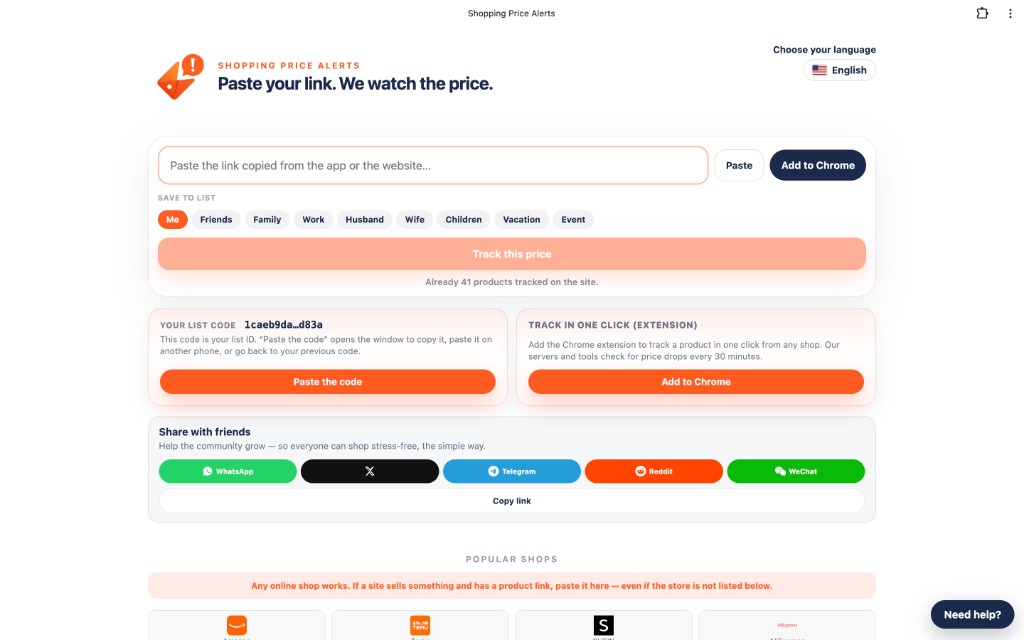
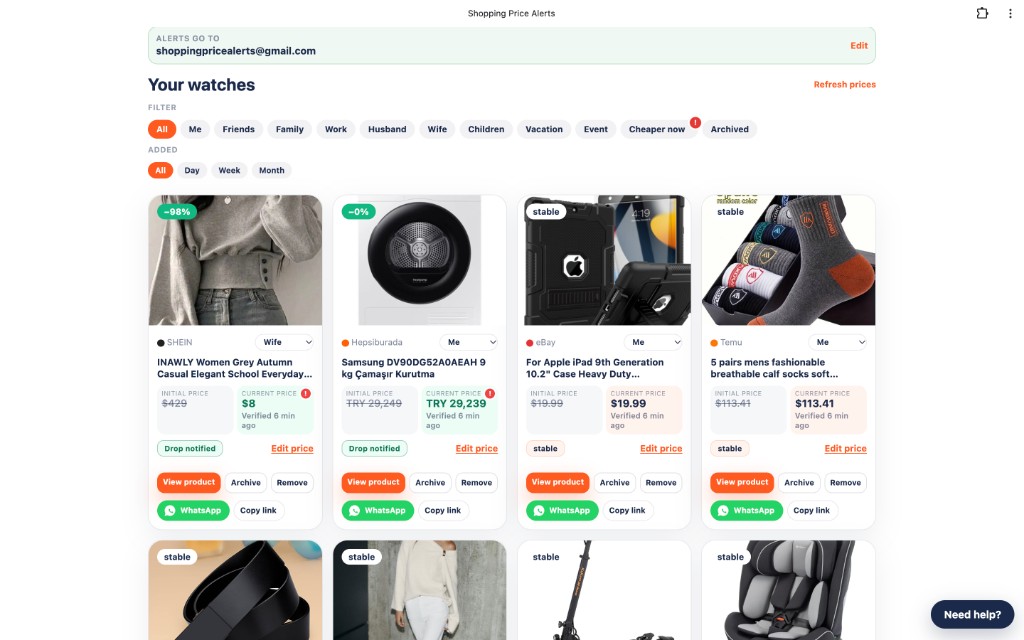
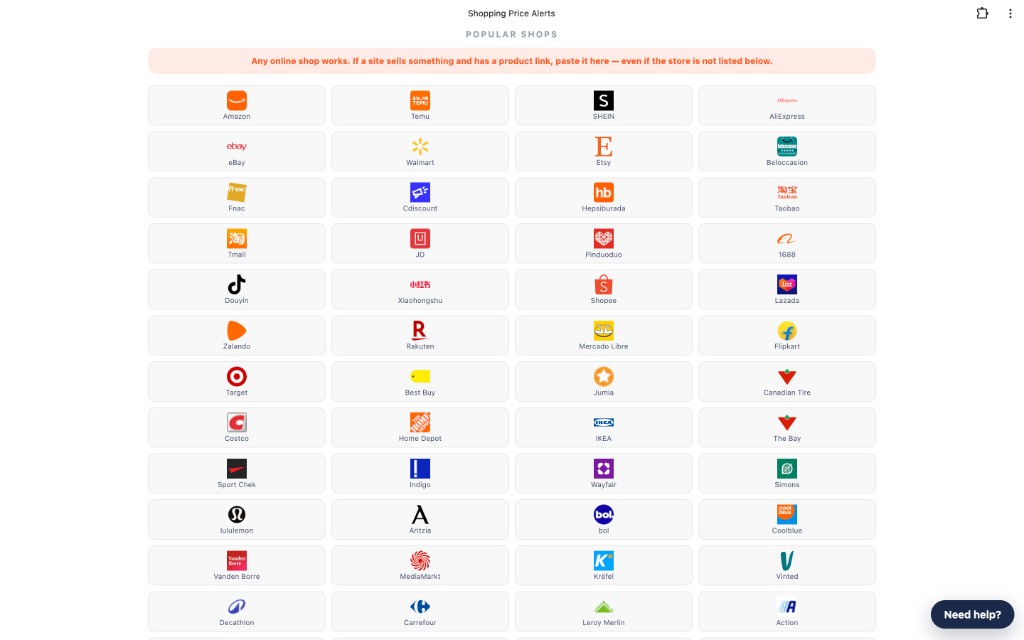
Shopping Price Alerts is one free option among spreadsheets, deal communities, and merchant alerts when you want the exact link watched — with solution images at the bottom linking to the app.
What shoppers often say
The badge said 30% off but shipping killed the deal.
Checkout surprise.
I compare Noon and Amazon before I trust a sale.
MENA shoppers.
I wait if the total is not what I expected.
Calm checkout habit.
Highlighting a fake discount in the browser does not make it real.
Extension skepticism.
Verify, then wait with a free alert
Check the real total, compare shops, and optionally track the URL with Shopping Price Alerts — a free daily habit, not the only one. Miniatures at the bottom open the app.
How it works
Open the final variant
Copy the real product URL.
Check the checkout total
Fees and coupons included.
Compare or track
Another shop, or a free URL tracker / extension.
Pay only if it still makes sense
Archive after purchase.
FAQ
Are all sales fake?
No — but badges are marketing. Verify the total.
Can I track fees?
Track the product price; always re-check shipping at checkout.
Is the app free?
Yes — no account required for Shopping Price Alerts.
Helpful Chrome extensions?
Ones that confirm a price and watch the URL — not ones that need your shop password.
Your turn
Which price trick wastes your money most — fake badges or hidden fees?
The solution, in pictures