Shopping Price Alerts
Fake Amazon discounts: how to verify a real sale
A loud “40% off” badge is marketing, not proof. Across Frugal and deal threads, the same advice returns: check what you usually pay for that exact item, compare another shop, then track the URL until the price is worth it — including Amazon, Walmart, Target, Noon, and more.
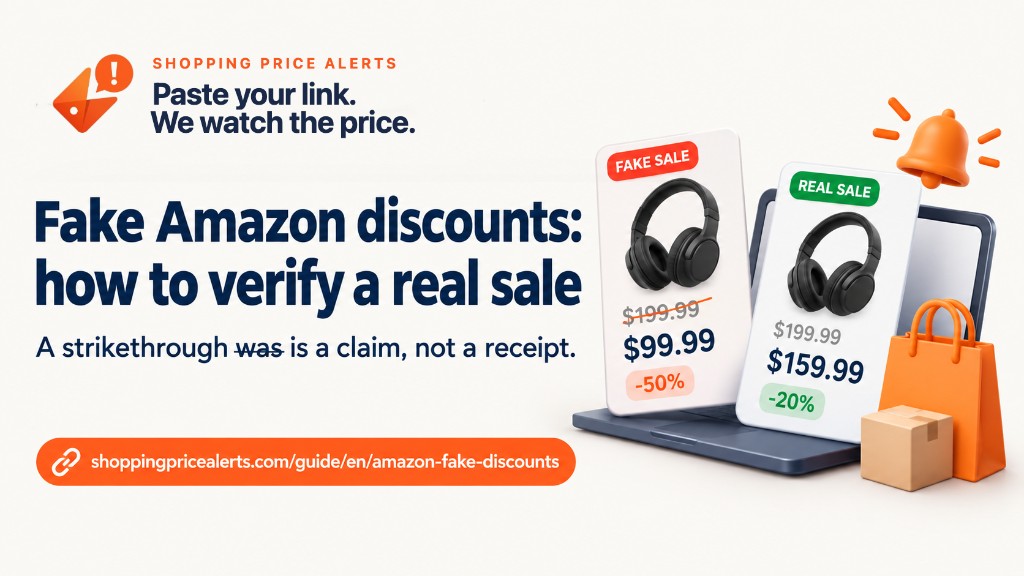
Amazon prices move with lightning deals, coupons, seller swaps, and short-lived badges. The same pattern shows up on other large retailers when a crossed-out “list” price sits next to a sale tag. Before you buy, treat the badge as advertising — then verify the number you will actually pay at checkout.
Start from the final product URL: the variant you would check out with. A different seller can show a different “discount.” Paste that URL into a tracker so you watch one SKU, not a family of lookalikes.
Weak-sale signals people mention often: the “was” price looks absurd for the category; the percentage is huge but the dollar saving is tiny; every seller shows the same “sale” number; the coupon expires at payment. Stronger signals: the price sits near recent lows you have seen, several sellers move together, and you already planned to buy before the badge appeared.
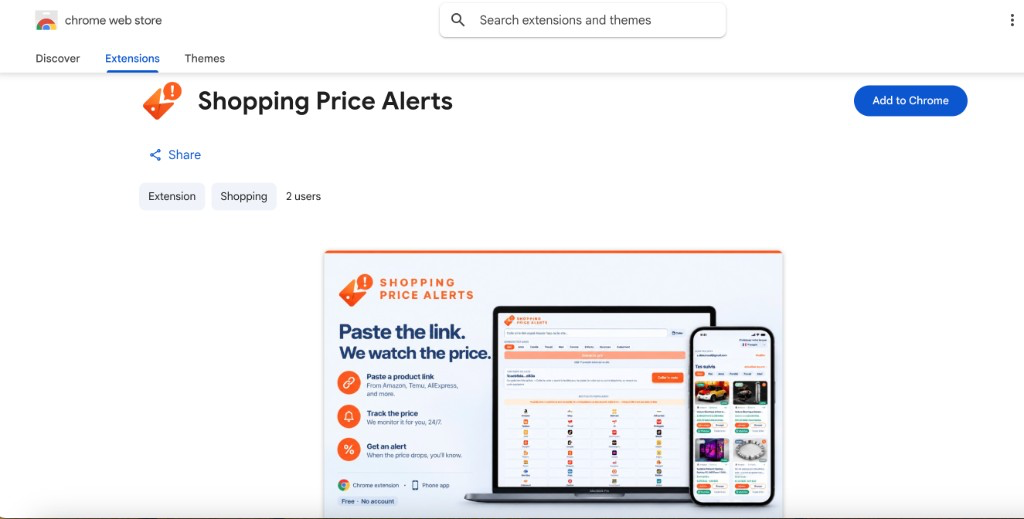
Free daily habits (no paid plugin required): keep a short note of prices you have paid; open one competing tab; wait overnight on non-urgent buys; use a browser extension or site that watches the product link and emails you on a drop. Chrome Web Store price trackers and multi-shop wishlists come up often next to Amazon-only chart tools.
Amazon-only chart tools (Keepa-style) are great for deep history on amazon.com. They are weaker when your cart also includes fashion, home, or another marketplace. Many shoppers keep a chart tool for research and a free multi-shop list for the URLs they will actually buy.
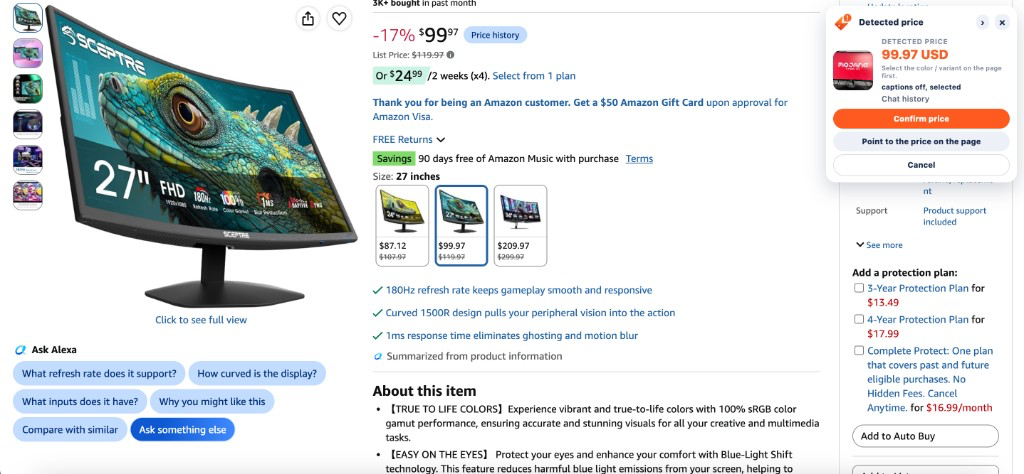
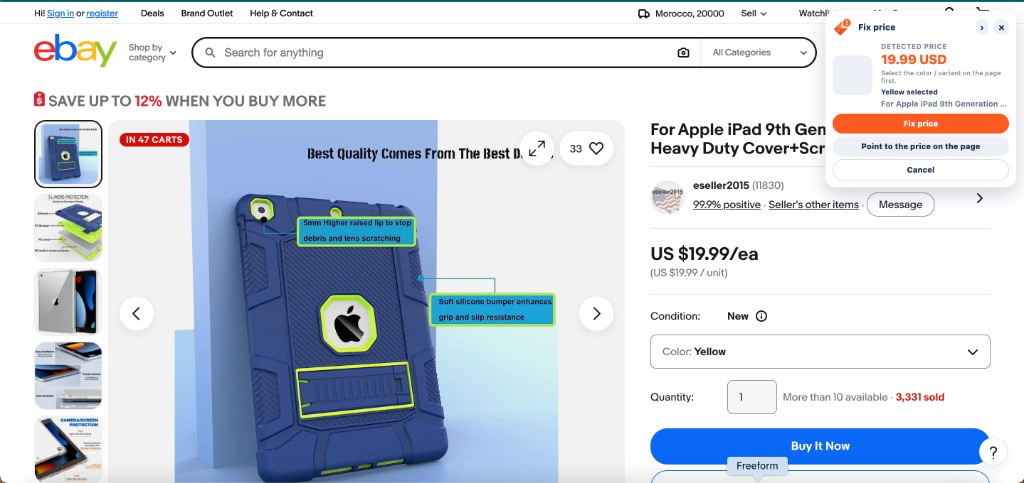
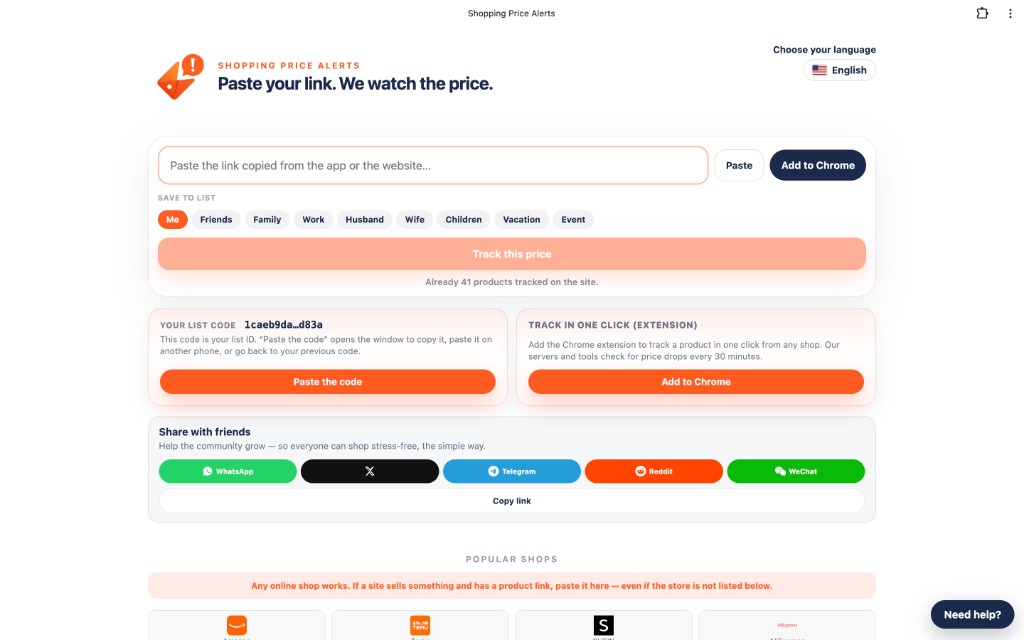
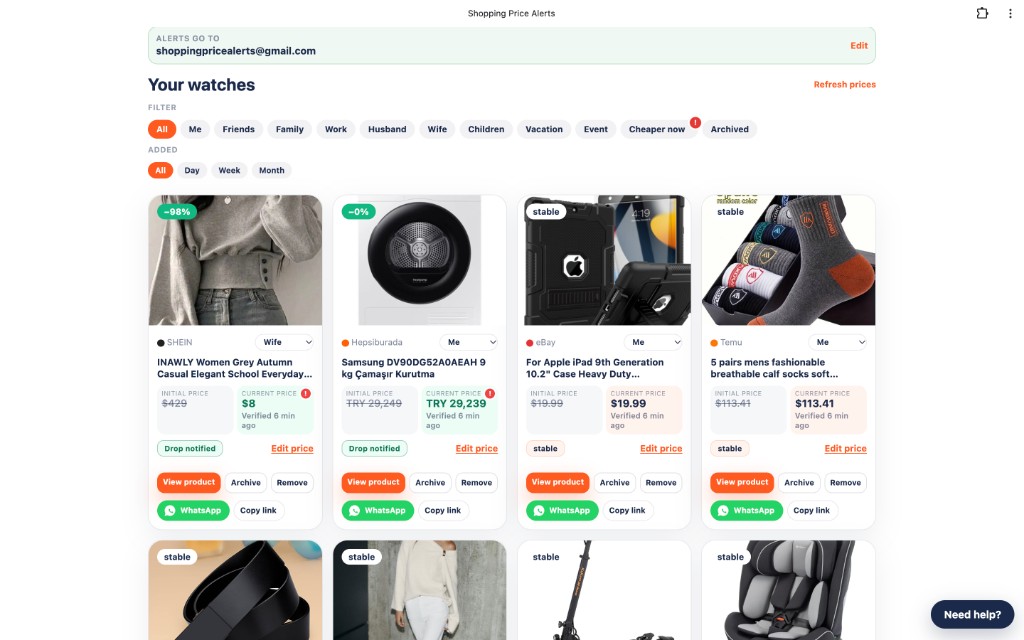
Shopping Price Alerts is one free option in that second bucket: paste the link, confirm the detected price, keep initial vs current on one card, optional email or push, same list code on phone and Chrome extension — no account. It does not replace deep Amazon graphs; it helps you wait calmly across shops.
Bottom line from the threads: ignore the percentage. Check history you trust, set a target you accept, and let a free tracker notify you. Calmer than refreshing Amazon every evening during Prime Day or Black Friday.
What shoppers often say
A lot of “40% off” tags are just the normal price after the store raised the list number first.
Common take when comparing Amazon badges to recent prices.
I only trust a deal if I already planned to buy the item — sales badges alone make me overspend.
Habit shared in frugal shopping threads.
Keepa is great for Amazon charts, but I also want Gap or Target in the same list.
Shoppers asking for alerts beyond one marketplace.
A Chrome extension that watches the page I already opened beats copying URLs all day.
Extension / plugin discussions.
A calmer way to wait for a real price
Free habits first: notes, a second shop tab, a wait rule. Then, if you want a simple multi-shop list: Shopping Price Alerts lets you paste the exact URL (Amazon, Walmart, Target, Noon, AliExpress…), keep initial vs current price, and get email or push on a drop — no account, no auto-buy. Use it beside Amazon chart tools, not instead of common sense.
How it works
Open the exact product you would buy
Pick size, color, and seller. Copy the final URL from the address bar or Share → Copy link.
Ignore the % badge; note checkout price
Include coupons. Briefly compare Walmart, Target, Best Buy, Noon, or AliExpress if the item is easy to match.
Track the link with a free habit
Note it, bookmark it, or paste it into Shopping Price Alerts / another free tracker. Save your list code if you use one.
Buy only when the price meets your plan
When an alert fires — or the price finally looks fair — checkout on the merchant site. Archive the watch after you buy.
FAQ
Are Amazon percent-off badges always fake?
Not always — but they are marketing, not proof. Verify against what you normally pay and similar listings.
Do I need Keepa or CamelCamelCamel?
Those tools shine for Amazon-only charts. A free multi-shop URL tracker covers other stores. Many people use both.
What about Chrome extensions?
Extensions can add a one-click watch from the product page. Prefer ones that share the same list as your phone and do not require a shop password.
Does this work outside Amazon?
Yes for any public product URL — Walmart, Target, eBay, Noon, AliExpress, and more.
Is Shopping Price Alerts free?
Yes. No subscription and no account. Optional email is only for drop messages.
Will anything auto-buy for me?
No for SPA. You get an alert; you decide on the merchant site.
Your turn
Have you bought because of a huge % badge, then realized the sale was not special? What do you check first — history, another shop, or a target price?
The solution, in pictures