Shopping Price Alerts
Target price vs any drop: pick the alert that fits
Not every dip is a reason to buy. Shopping Price Alerts lets you watch for any drop or wait until a target you set. Use any-drop when you are flexible. Use a target when you already know the number that makes the purchase worth it.
Any-drop is for curiosity and gifts you will buy “if it moves.” Target is for a laptop, appliance, or trip item with a budget. Mixing both on one list is fine: different cards, different modes.
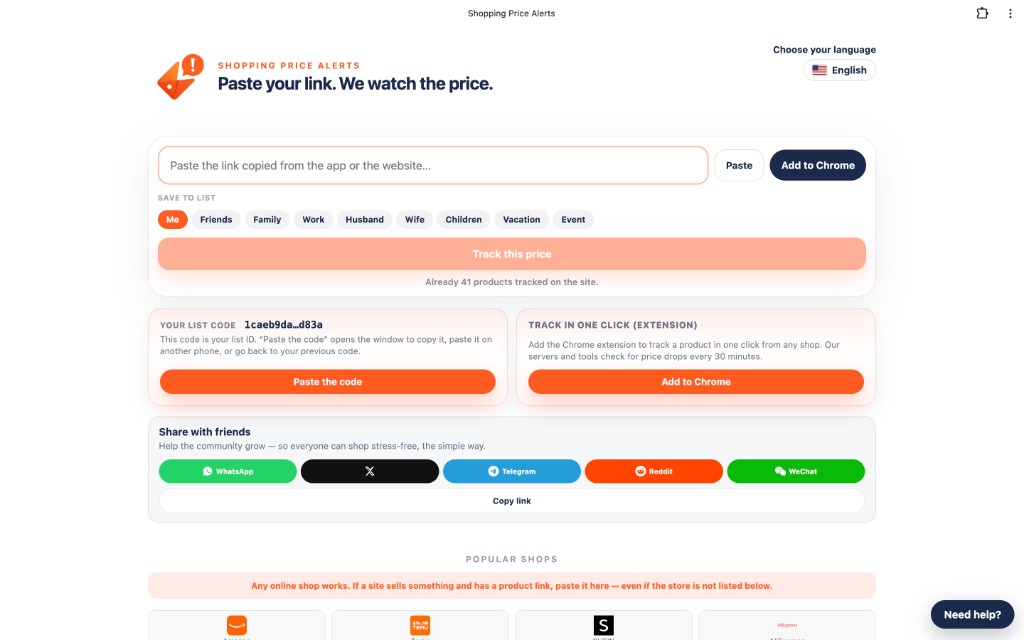
On shoppingpricealerts.com, paste the URL, confirm the price, then choose alert mode. You can reset the baseline later if you picked the wrong variant or the shop was having a one-hour glitch.
Chrome extension: confirm or point to the price on the page so the target is compared to the same figure you saw — important on shops that personalize prices.
Too many emails? Switch noisy cards to target-only, archive bought items, and keep 20–40 watches you truly intend to buy.
No account, optional email and push, same list code on every device. Alerts never purchase for you.
How it works
Copy the final product URL
Open the shop page. Copy the full product link after you pick size, color, or seller.
Paste it on shoppingpricealerts.com
Read the homepage steps, then tap Start tracking, paste the URL, and confirm the price you see.
Choose how you want to be notified
Any drop, or a target price. Optional email or push. Save your list code.
Buy only when the number makes sense
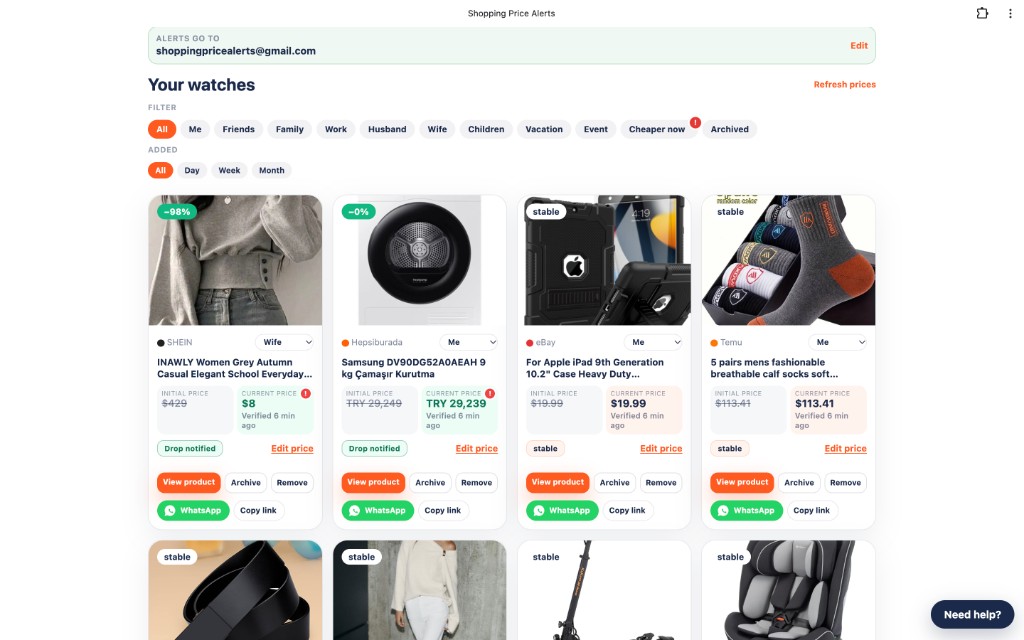
Compare current vs your initial (or target). Archive after you buy.
FAQ
What is “any drop”?
You get notified when the current price goes below the last current you had — useful for catching rollbacks you did not predict.
What is a target price?
You type the maximum you want to pay. Alerts wait until current is at or below that amount, so small wiggles stay quiet.
Is Shopping Price Alerts free?
Yes. Paste links, watch prices, optional alerts — no account and no subscription.
Do I need an account?
No. A private list code on your device opens the same watches on phone, computer, or Chrome extension.
Which shops work?
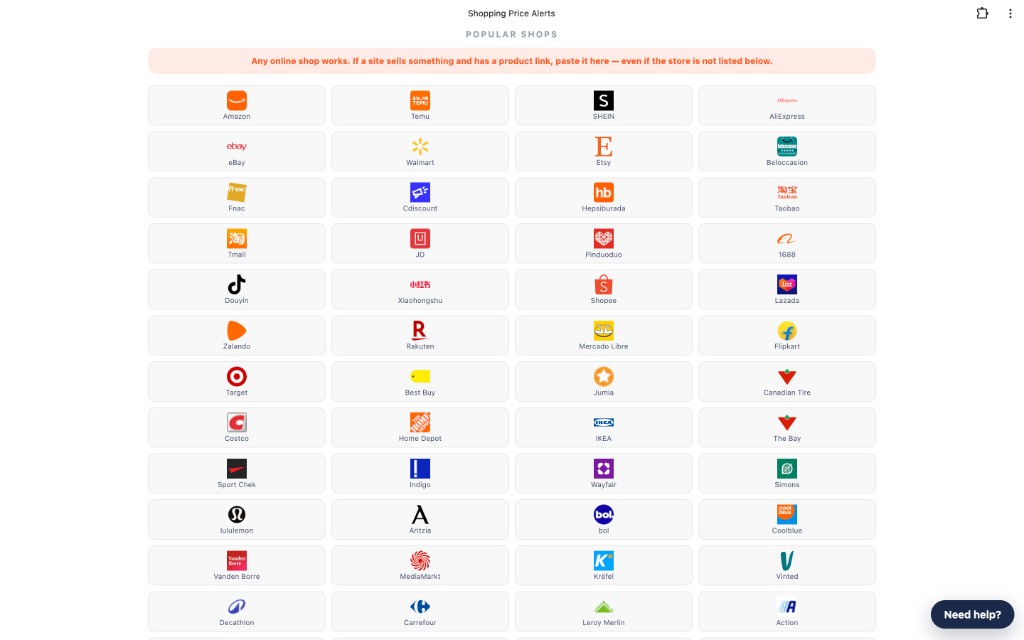
Any public product page URL — Amazon, Walmart, Target, eBay, and others. Prefer the final product URL, not a search page.
The solution, in pictures