Shopping Price Alerts
Free Noon price alerts on the exact product URL
Noon is a daily shop for many MENA buyers. Store apps push newsletters; you often only need a quiet alert when one SKU drops. Here is how to watch a Noon product link — next to Amazon or Jarir — for free.
Noon prices move with promotions, coupons, and seller changes. A badge is not enough. Paste the final product page you would checkout with.
Free habits: note today’s checkout price, wait overnight on non-urgent buys, paste the URL into a multi-shop tracker with optional email or push.
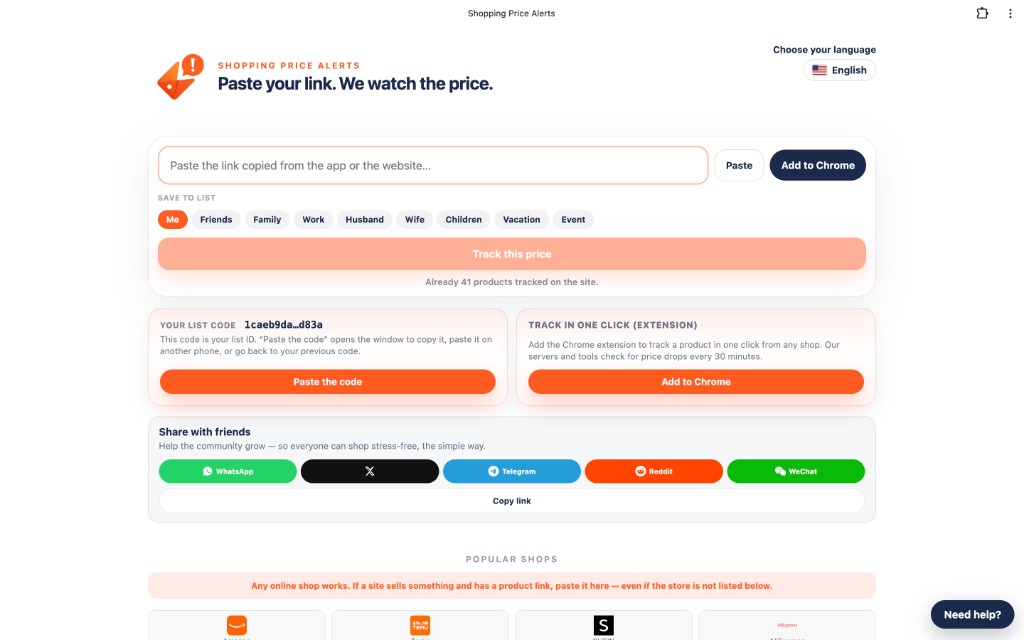
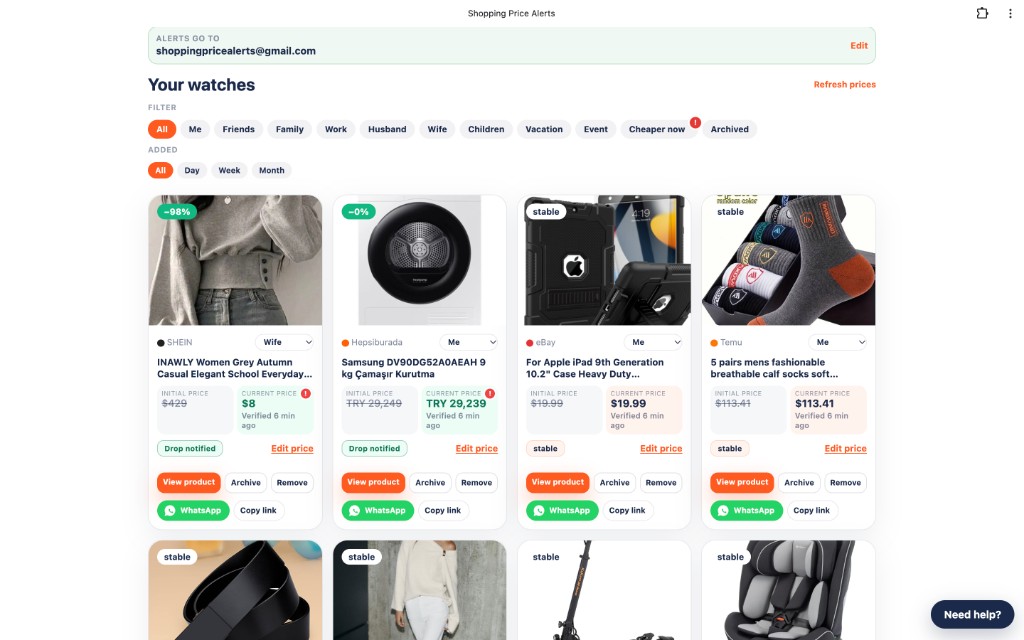
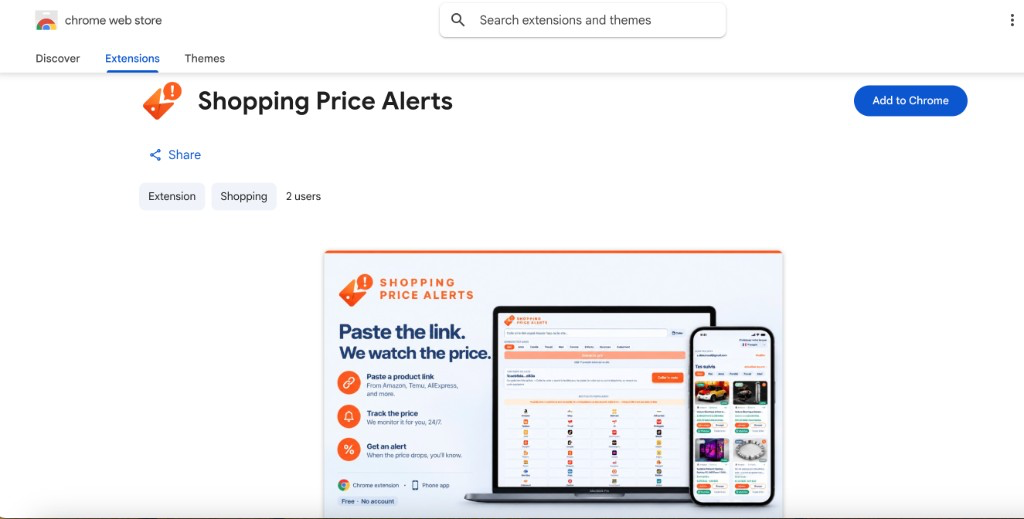
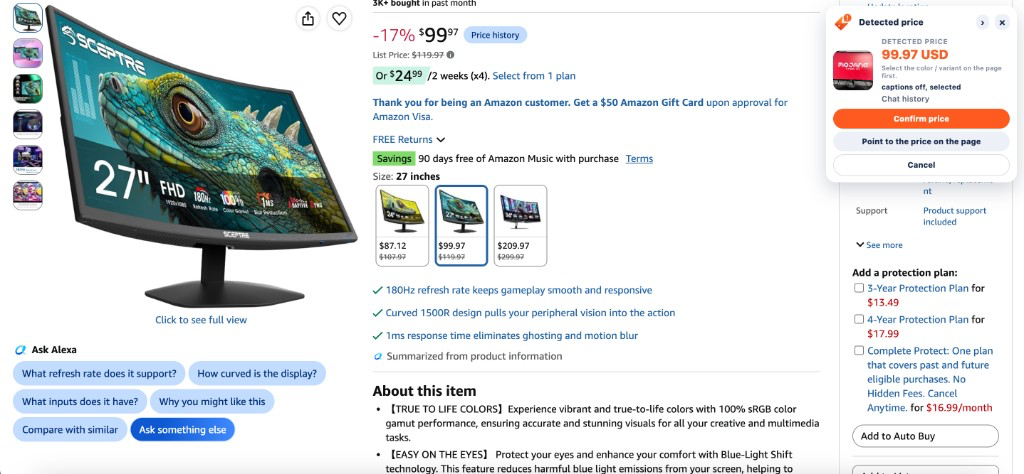
Shopping Price Alerts: paste the Noon URL, confirm price, optional alerts, list code + Chrome extension — no account. Not a Noon deals feed; precise URL watches only.
Bottom line: Noon apps sell newsletters. A private multi-shop list sells calm.
What shoppers often say
I want Noon and Amazon in the same list on my phone.
MENA multi-shop ask.
Noon app spam is loud; I only care about one SKU drop.
Newsletter fatigue.
Keepa never sees my Noon restock.
Amazon-only gap.
Confirm the price — don’t ask for my Noon password.
Extension trust.
One free list that includes Noon
Paste Noon product URLs into Shopping Price Alerts beside Amazon and others. Confirm price, optional alerts, list code — no account.
How it works
Open the Noon product you would buy
Copy the final URL.
Note today’s price
Ignore loud % badges.
Add a free watch
Paste into Shopping Price Alerts; save your list code.
Buy on Noon when it fits
Then archive.
FAQ
Does Keepa watch Noon?
No — Keepa is Amazon-focused. Use a multi-shop URL tracker for Noon.
Is SPA free?
Yes, no account.
Noon app enough?
One shop + promotions. A private list is quieter.
Chrome extension?
Optional.
Auto-buy?
No.
Other shops in the same list?
Yes — any public product URL.
Your turn
What do you track most on Noon — electronics, fashion, or groceries?
The solution, in pictures