Shopping Price Alerts
Coupon codes vs a real price drop
Shops love two tricks at once: a strikethrough “sale” and a coupon field that only works if you remember the code. Neither is proof you are paying less than last month. Record the price you see, clip the code if it is real, then compare the checkout total to that baseline.
A coupon is a claim at payment, not a history. Some listings show $99 after clip and $129 without, while the “was $199” never existed in anyone’s cart. Tracking the URL catches the shelf move. The code is a second step at checkout.
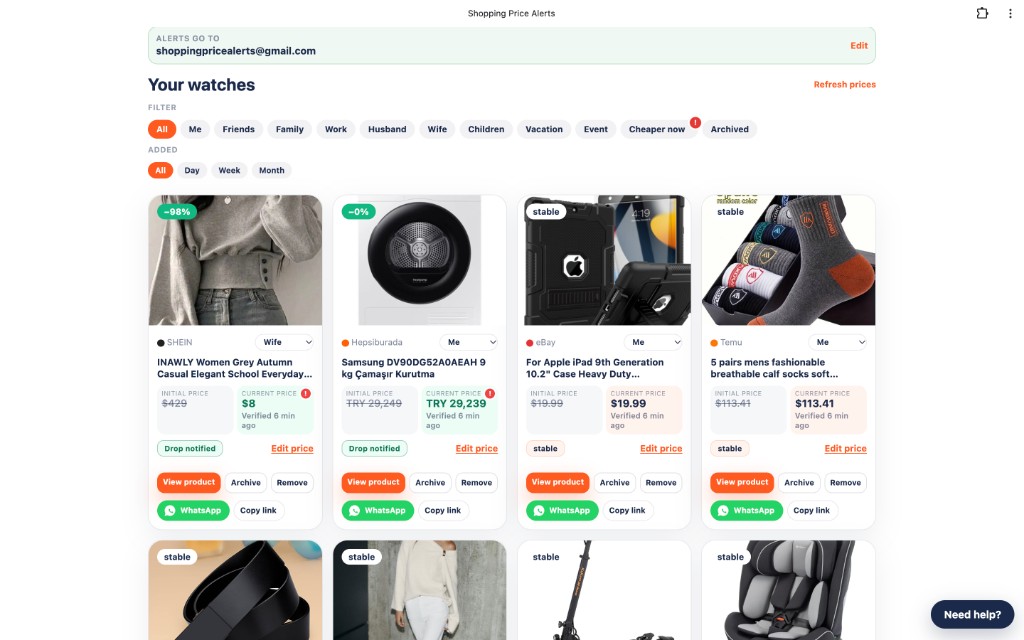
On Amazon-style pages, clipped coupons often change the visible figure. Confirm that figure when you add the watch (or point to it in Chrome). If the coupon falls off later, you will see current rise — that is not a “price spike scam”; it is the un-couponed shelf.
Stacking a newsletter code on an already inflated “was” still is not a deal. Use your initial (the number you actually saw) as the only comparison that matters.
Keep one watch per final URL. A different seller or size can have a different coupon. Archive after you buy so expired codes stop pinging you.
Shopping Price Alerts is free, no account. It watches the public product page. You still apply the merchant’s code yourself.
How it works
Copy the final product URL
Open the shop page. Copy the full product link after you pick size, color, or seller.
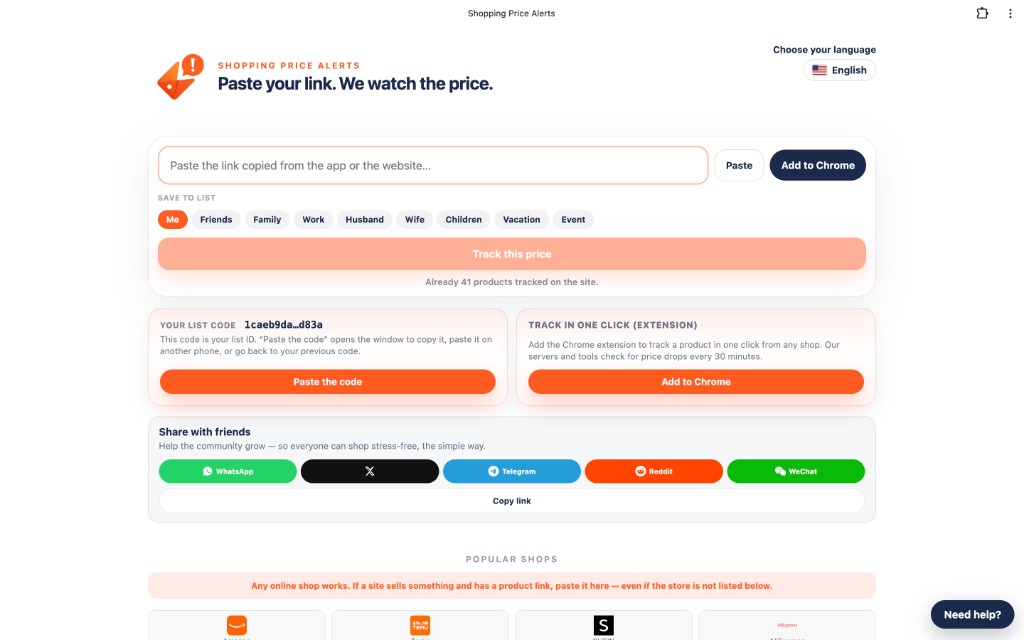
Paste it on shoppingpricealerts.com
Read the homepage steps, then tap Start tracking, paste the URL, and confirm the price you see.
Choose how you want to be notified
Any drop, or a target price. Optional email or push. Save your list code.
Buy only when the number makes sense
Compare current vs your initial (or target). Archive after you buy.
FAQ
Should I track the coupon price or the shelf price?
Confirm the price shown on the product page first. If a clip-coupon changes the number on that page, confirm again. Checkout-only codes are extra — they do not replace a watch on the URL.
The coupon expired but the % off badge stayed. Is that a drop?
Usually not. The badge is marketing. Your tracker should still show the un-couponed current unless the shelf price actually moved.
Is Shopping Price Alerts free?
Yes. Paste links, watch prices, optional alerts — no account and no subscription.
Do I need an account?
No. A private list code on your device opens the same watches on phone, computer, or Chrome extension.
Which shops work?
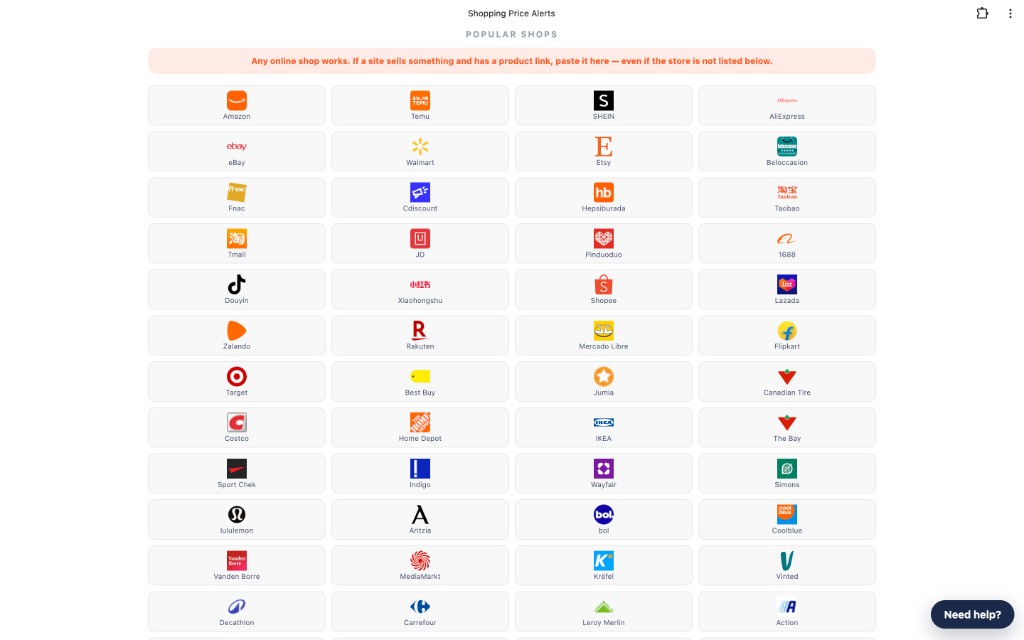
Any public product page URL — Amazon, Walmart, Target, eBay, and others. Prefer the final product URL, not a search page.
The solution, in pictures